Glimpse
Screen recording with on-screen annotations
A powerful screen recorder that lets you draw, annotate, and highlight directly on your screen while recording. Perfect for tutorials, demos, and presentations.
About This Project
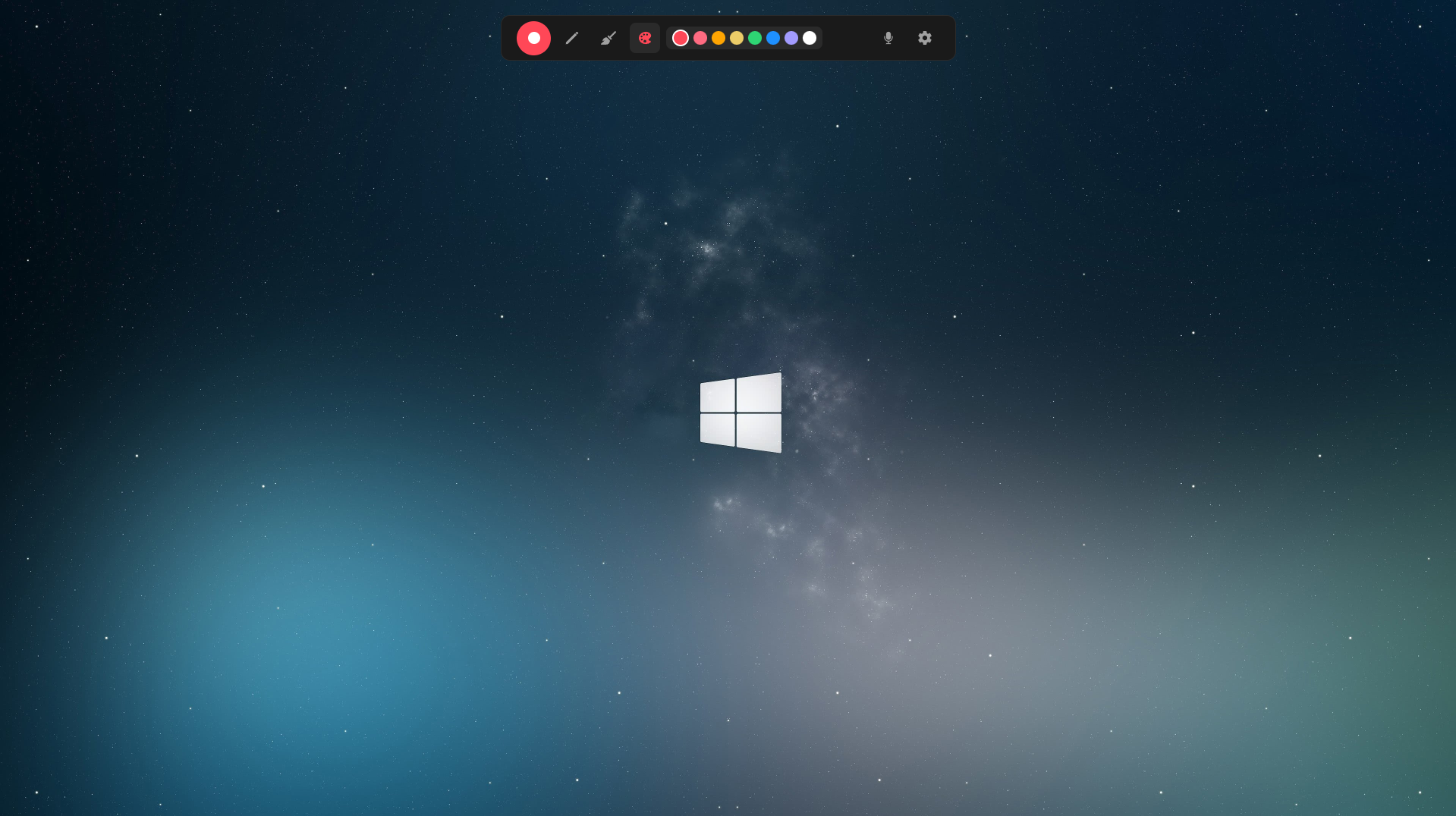
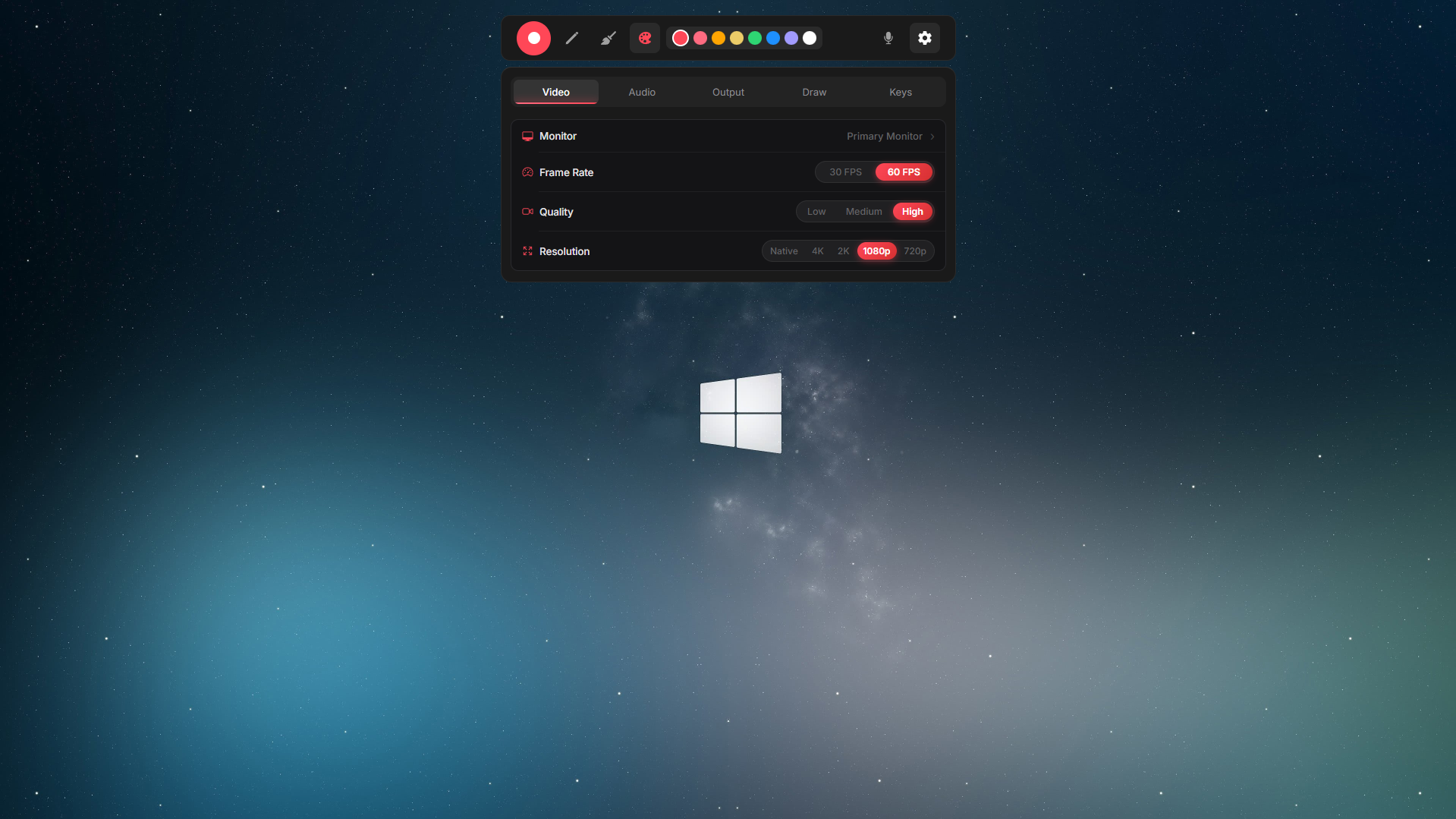
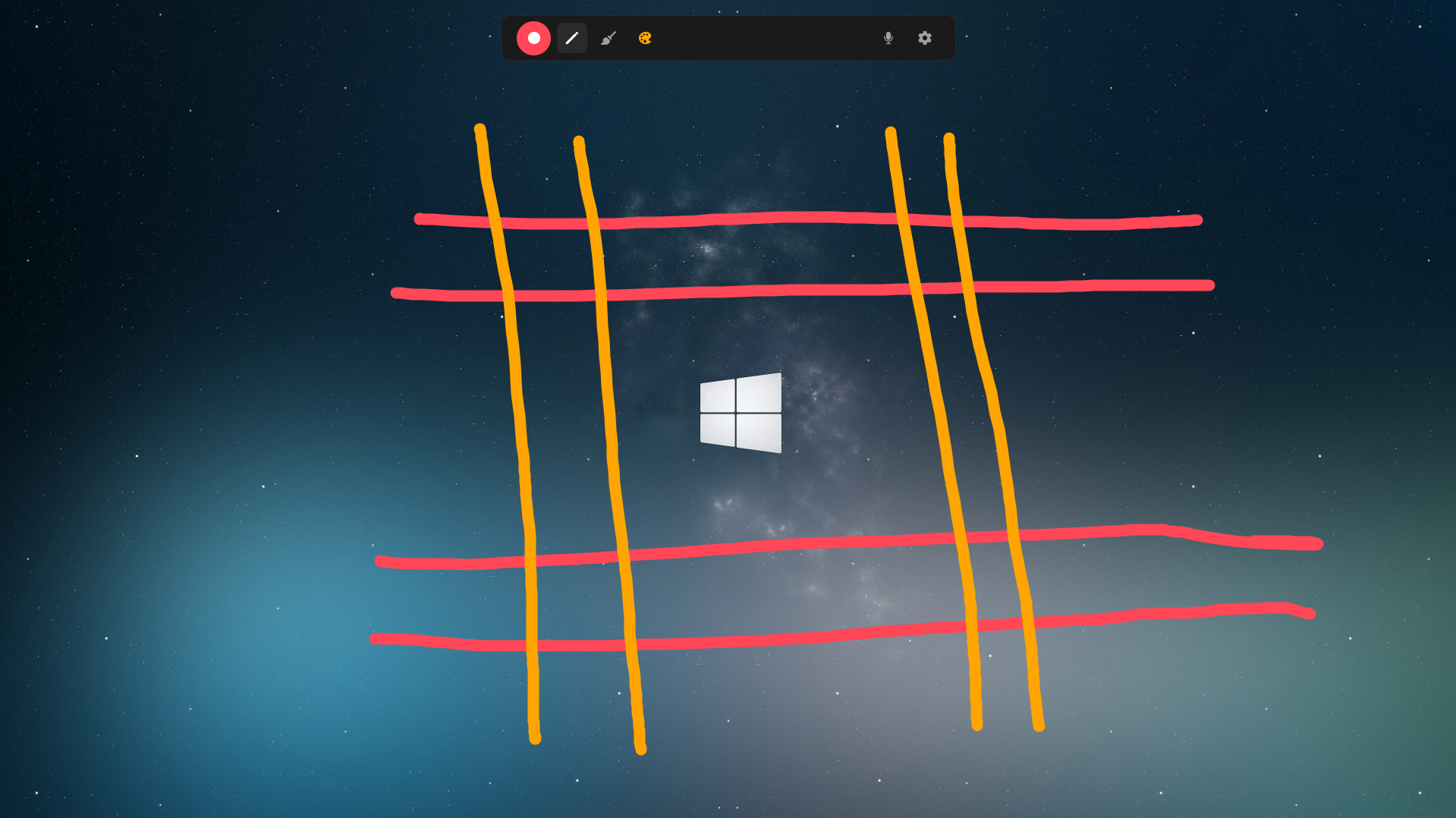
Glimpse is a free screen recording tool designed for creators, educators, and developers who need more than just basic screen capture. With Glimpse, you can draw directly on your screen while recording, making it perfect for creating tutorials, explaining complex concepts, or highlighting important details in demos. The intuitive annotation tools let you add arrows, shapes, text, and freehand drawings in real-time. Built with performance in mind, Glimpse captures high-quality video without slowing down your system. Whether you're recording a quick demo or a full presentation, Glimpse gives you the tools to make your content more engaging and easier to understand.
Key Features
Real-time on-screen drawing and annotations
High-quality screen recording
Lightweight and performant
Easy to use interface
How to Use
Glimpse is designed to be unobtrusive and works differently from traditional recording software. It lives in your system tray and behaves like a lightweight toolbar.
System Tray / Background
When launched, Glimpse runs in the background and is visible in your system tray.
Toggle Toolbar
Press the default shortcut ALT + M to quickly toggle the recording toolbar on or off. You can also toggle it by clicking the system tray icon.
Customize Shortcut
The shortcut (ALT + M) can easily be customized later through the application settings.
Enjoying Glimpse?
Support our work and help us build more free software for everyone.
Support Us